

The updates shaping smarter RevOps, cleaner CRM data, and faster customer operations.
HubSpot has rolled out a strong set of November 2025 product updates, with a clear focus on automation, cleaner operations, reporting clarity, service efficiency, and more control for scaling teams.
We’ve broken down the 10 biggest HubSpot updates this month, what’s new, and most importantly, why they matter for real-world HubSpot users.

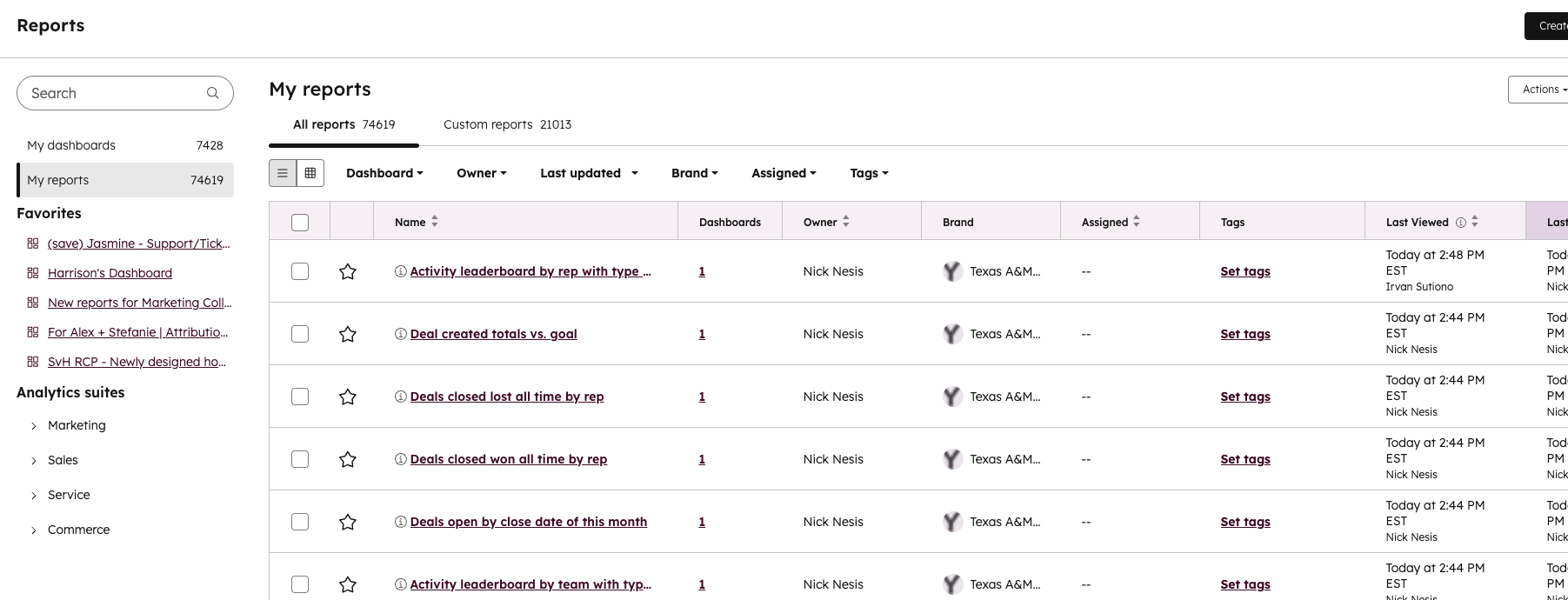
1. Centralised Reports and Dashboards (Public Beta)
HubSpot has combined its reporting tools into one single reporting experience, giving teams a central place to mange dashboard, reports, folders, and access permissions.
Reporting clutter is a major blocker for scaling RevOps teams. Centralising dashboards reduces duplication, tightens governance, and creates a single source of truth for insights. For businesses serious about data-driven decision-making, this is a foundational upgrade.
2. Automatically Clean Up Unused Workflows (Public Beta)
HubSpot can now auto-delete disabled workflows that haven't been updated 6+ months. They're moved to "recently deleted", where they can be restored within 90 days.
This is a huge step forward for maintaining a clean, efficient portal. Over time, workflows, workflows pile up and clutter your automation ecosystem. Automatic cleanup reduces operational noise, prevents accidental reactivations, and keeps your HubSpot instance healthy as you scale.
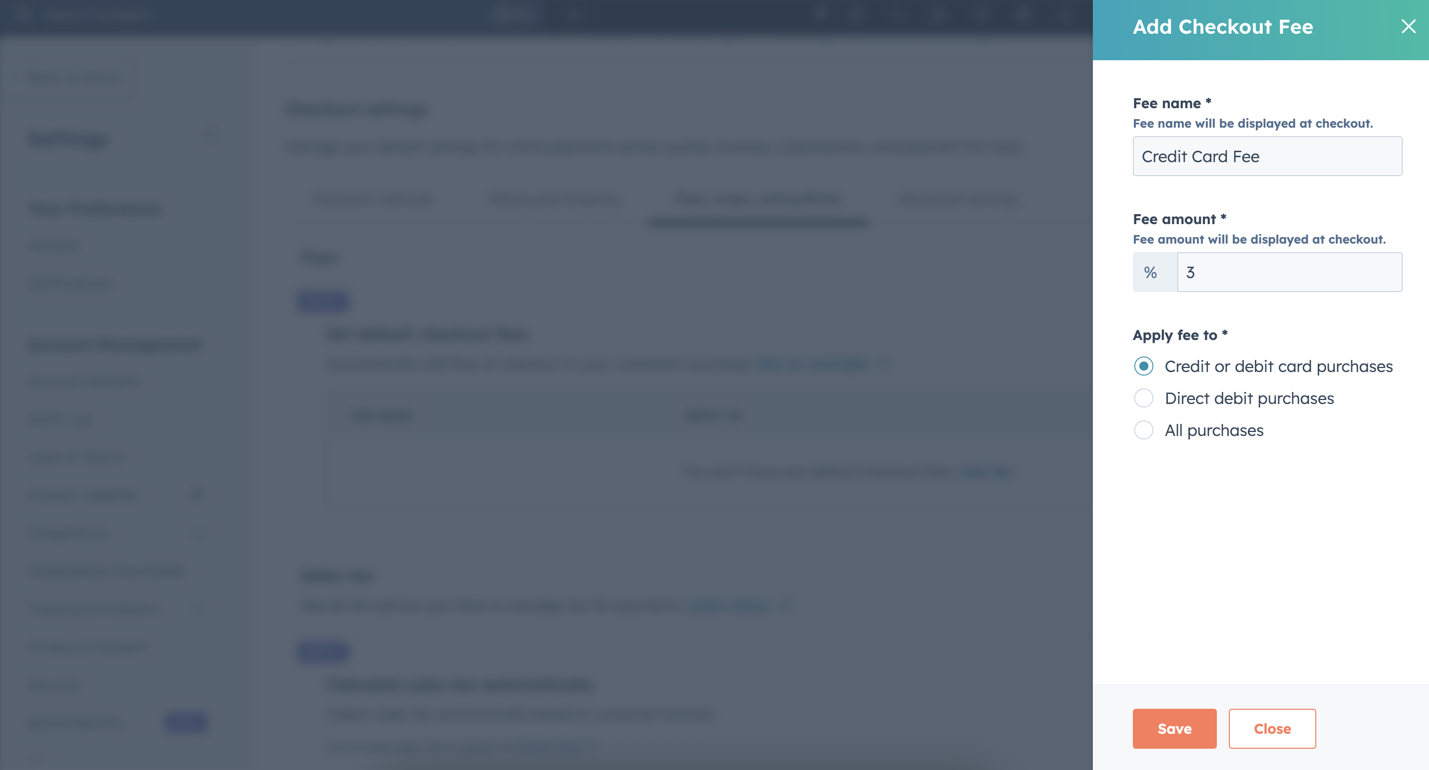
3. Support Macros (Public Beta)
Support teams can now trigger multiple actions with a single click when responding to tickets. A macro can send a reply, update the status, reassign the ticket, change priority - whatever steps reps normally take manually.
Macros bring proper service-desk efficiency into HubSpot. For high-volume support teams, shaving seconds off every ticket adds up to hours saved. It also standardises best practice - new reps don't need to remember every step, and leaders get consistency across every customer response.
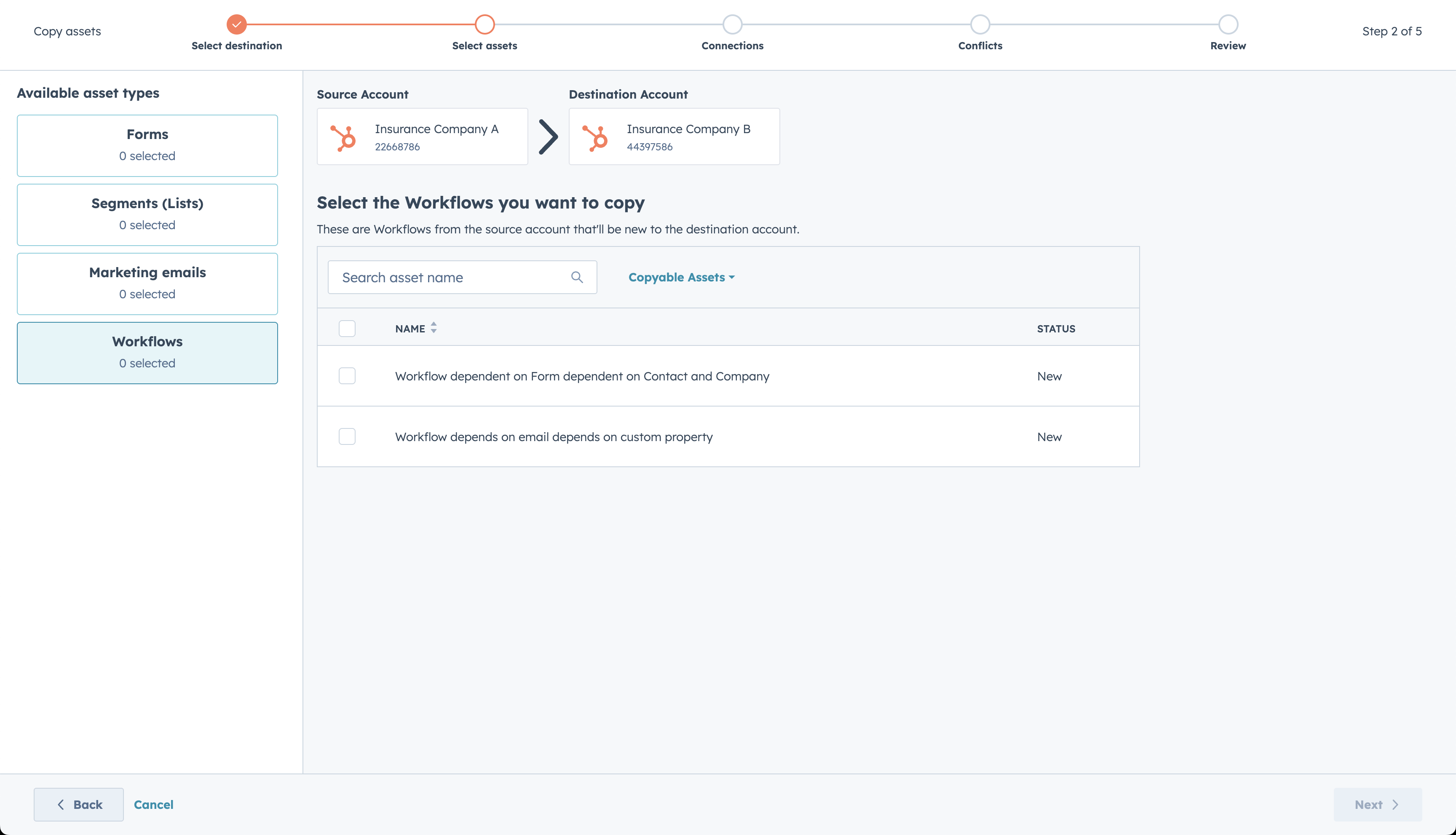
4. Copy Workflows to Another HubSpot Account (Live)
Using Multi-Account Management? You can now copy workflows between HubSpot accounts using Asset Copying.
This is huge for organisations running multiple portals - franchises, global teams, regional setups. Instead of rebuilding workflows from scratch (or exporting/importing manually), teams can now standardise automation at scale.
It reduces duplication of effort, ensures consistent processes, and speeds up rollout across your entire HubSpot ecosystem.
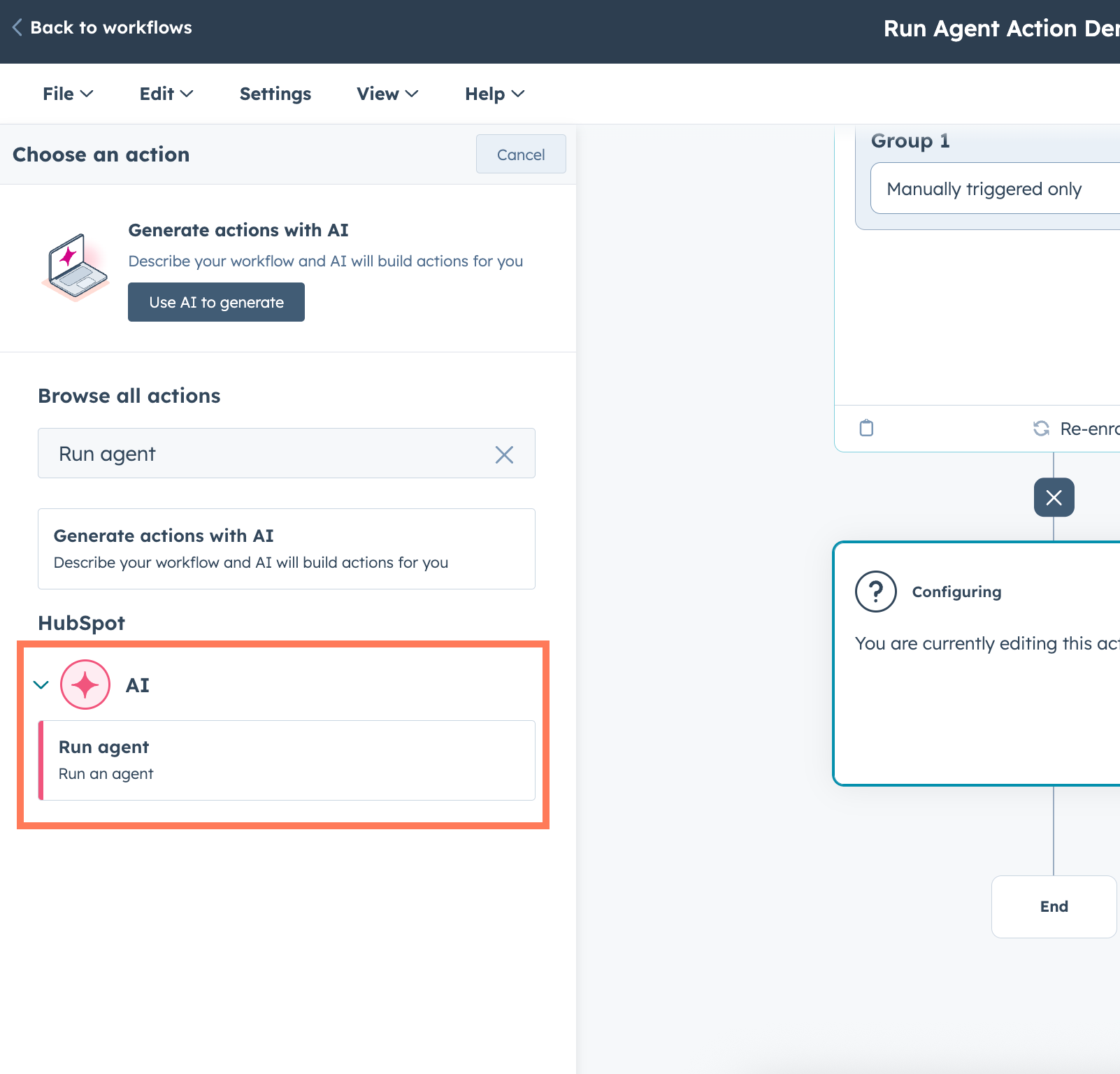
5. Run Agent Workflows Action (Private Beta)
Agent automation can be triggered directly as a workflow action. You can:
- Trigger agents based on workflow events
- Chain multiple agents together
- Pass agent outputs into the next step
- Automatically update CRM data
This is beginning of truly smart automation inside HubSpot. Agents extend workflows far beyond if/then logic - you're now able to run decisions, summaries, analyses, and CRM updates with much more intelligence.
Think: data cleanup, personalised follow-ups, contextual routing, content generation. It's an early signal of where AI-powered RevOps is heading.
6. Selective Object Configuration Deployment from Sandbox (Public Beta)
You can now choose to deploy specific object configuration changes from sandbox to production, rather than doing a full object deployment every time.
This gives ops teams something they've wanted for years: controlled, low-risk deployment. You can push only the parts of the object that are ready, keep experimental in sandbox, and avoid overwriting data models accidentally.
7. Apple Pay & Google Pay with Stripe
If you're using Stripe, you can now let buyers check out using Apple Pay and Google Pay through HubSpot.
This upgrade removes friction from the buying process - especially on mobile. More payment options = higher conversion rates, fewer abandoned carts, and smoother experience for modern buyers who expect tap-to-pay everywhere.
It's a simple update, but a direct revenue lever.
8. Improved Zendesk - HubSpot Ticket Migration (Public Beta)
HubSpot now supports migrating full historical ticket conversation threads from Zendesk into Service Hub using the Smart Transfer platform.
The migrated conversations appear as native HubSpot threads and keep all associations intact.
This update closes a major migration gap. Previously, Zendesk historical data was messy, incomplete, or impossible to bring over cleanly. Now, companies moving to HubSpot can retain their service history , maintain context, and onboard teams without losing years of customer insights.
It removes a huge barrier for Zendesk users considering a switch.
9. "Publish" Workflow Permission (Public Beta)
A new permission tier lets users turn workflow on without giving them the power to edit them.
Ops leaders finally get control and collaboration. Complex workflows stay protected from accidental edits, but teams are still empowered to activate the automations they needs. It's a governance win - especially in shared, multi-team portals.
10. Enhanced Board Experience for Contacts& Companies (Live)
Contacts and Companies can now be viewed in a visual board layout, with improved fields, cleaner cards, and quicker actions.
Pipeline-style visualisation is incredibly intuitive. Seeing Contacts and Companies in a board makes patterns easier to spot; stalled customers, lifecycle stages, ABM plays, segment trends, and gives Sales and CS teams a faster way to prioritise.
It brings the clarity of deal pipelines to the rest of the CRM.
Why These Updates Matter as Whole
This month's updates all point in the same direction: a cleaner, smarter, more connected HubSpot.
- Reporting becomes clearer
- Workflows become cleaner and safer
- Service teams get faster tools
- Ops teams get better governance
- AI and agent automation become more embedded
- Migrations become smoother and more complete
- Payments become easier for buyers
- CRM views become more intuitive for revenue teams
Together, these aren't just incremental tweaks - they're infrastructure upgrades. They remove friction, reduce operational drag, and give teams the foundations they need to scale with confidence.
If you want help turning these updates into a real-world improvements inside your HubSpot portal. From automation audits to RevOps optimisation, we're always here to talk through what's possible.